

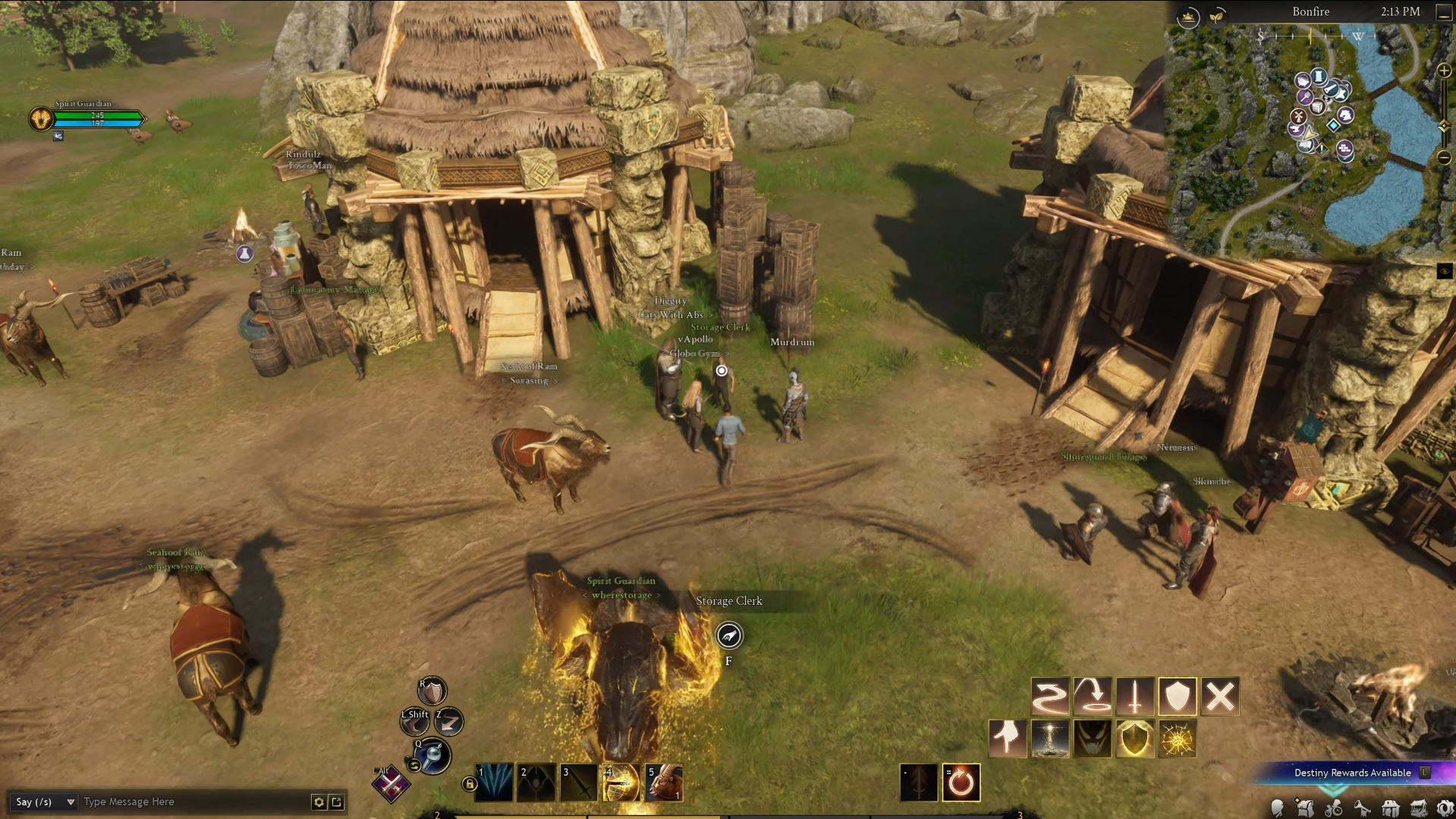
Storage Clerks are some of the most important NPCs in Ashes of Creation, acting as your main access point for storage. Unlike traditional MMO banks, Ashes of Creation uses a decentralized storage system, meaning each node has its own separate warehouse.
In this guide, I’ll cover where to find Storage Clerks and how to use them to manage your items, materials, and trade goods more easily.
What Are Storage Clerks in Ashes of Creation?
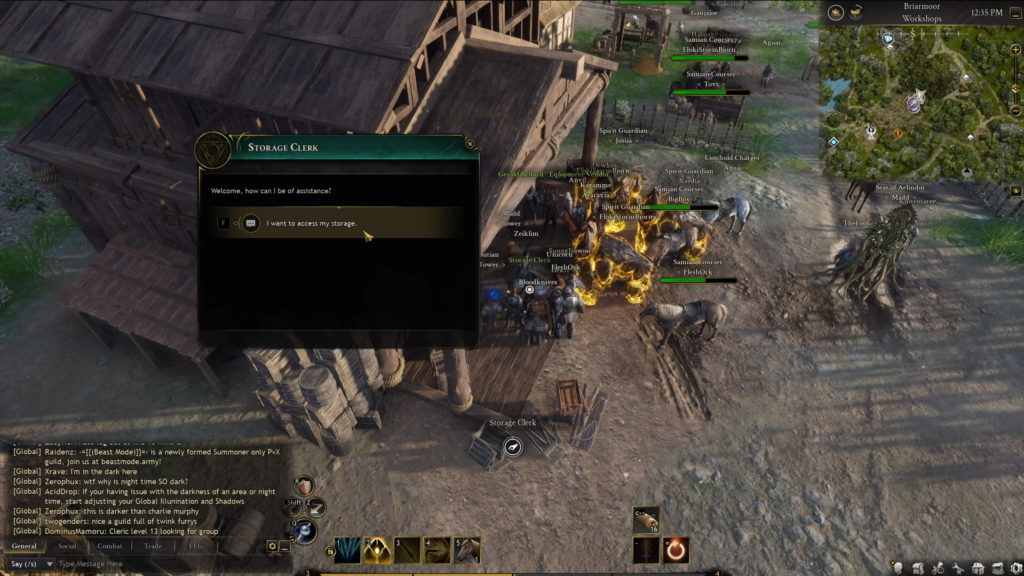
A Storage Clerk in Ashes of Creation is a special NPC found in settlements/markets that gives you access to your warehouse/storage — a place to safely put items, materials, crates, and other goods you don’t need in your on-character inventory.
Where to Find Storage Clerks Early On
Storage Clerks can be found at the following established locations as of December 2025:
- Briarmoor Farm (Riverlands) – Northeast of Smaya’s Hope
- Aven’s End (Riverlands) – West of Lion Hold, inside the Smithing Workshop
- Bonfire (The Anvils) – West of the Divine Gate spawn area
- Hammer Rest (The Anvils) – East of the Divine Gate spawn area
Beyond the starter zones, every built settlement has a Storage Clerk. You can spot them easily by the warehouse icon on the map. Even nodes that aren’t fully developed still have a Storage Clerk—usually in a tent—though storage space is limited at these locations.
Types of Storage You Can Use
When you talk to a Storage Clerk, you’ll see three different storage tabs.
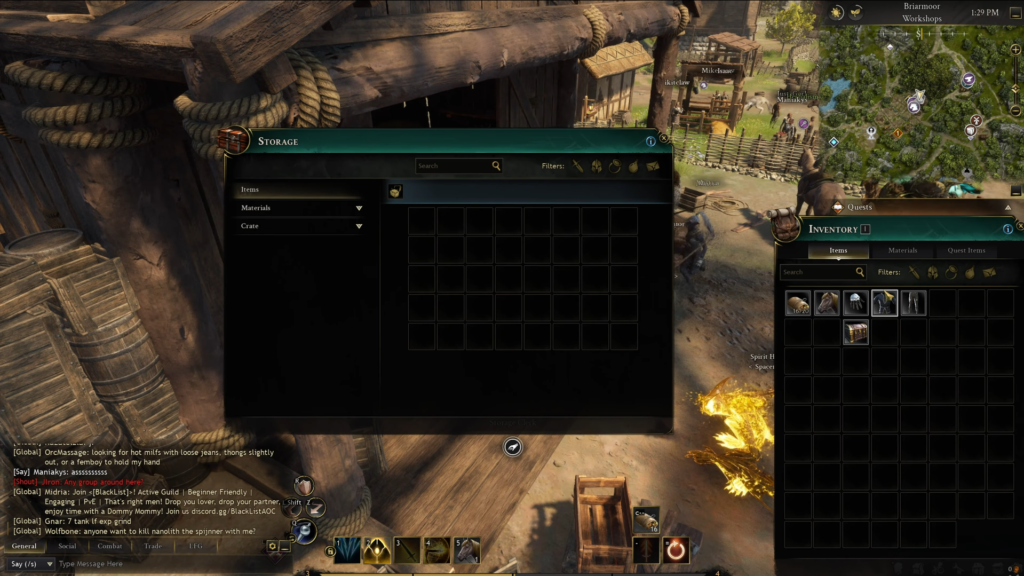
Material Storage
This is for raw stuff like wood, stone, herbs, fish, and carcasses. It utilizes a grid-based system, so the size and shape of items matter. Packing things neatly actually makes a difference.
Item Storage
This one’s straightforward—gear, weapons, armor, potions, and crafted items. It works like a normal slot-based inventory.
Crate Storage
This is for crates and trade goods. If you’re planning to make gold through trading and deliveries, this tab is a big deal.
How to Use a Storage Clerk
Using a Storage Clerk is simple. Just walk up to the NPC, interact with them, and deposit or withdraw whatever you need. There are a few important things to keep in mind: storage is per node, it’s per character, and you can’t access items from another node.
By understanding where Storage Clerks are and how to use them, you can protect valuable items, plan efficient trade routes, and make the most out of your gathering and crafting efforts.
Read More: Ashes of Creation Sport Fishing Guide
