
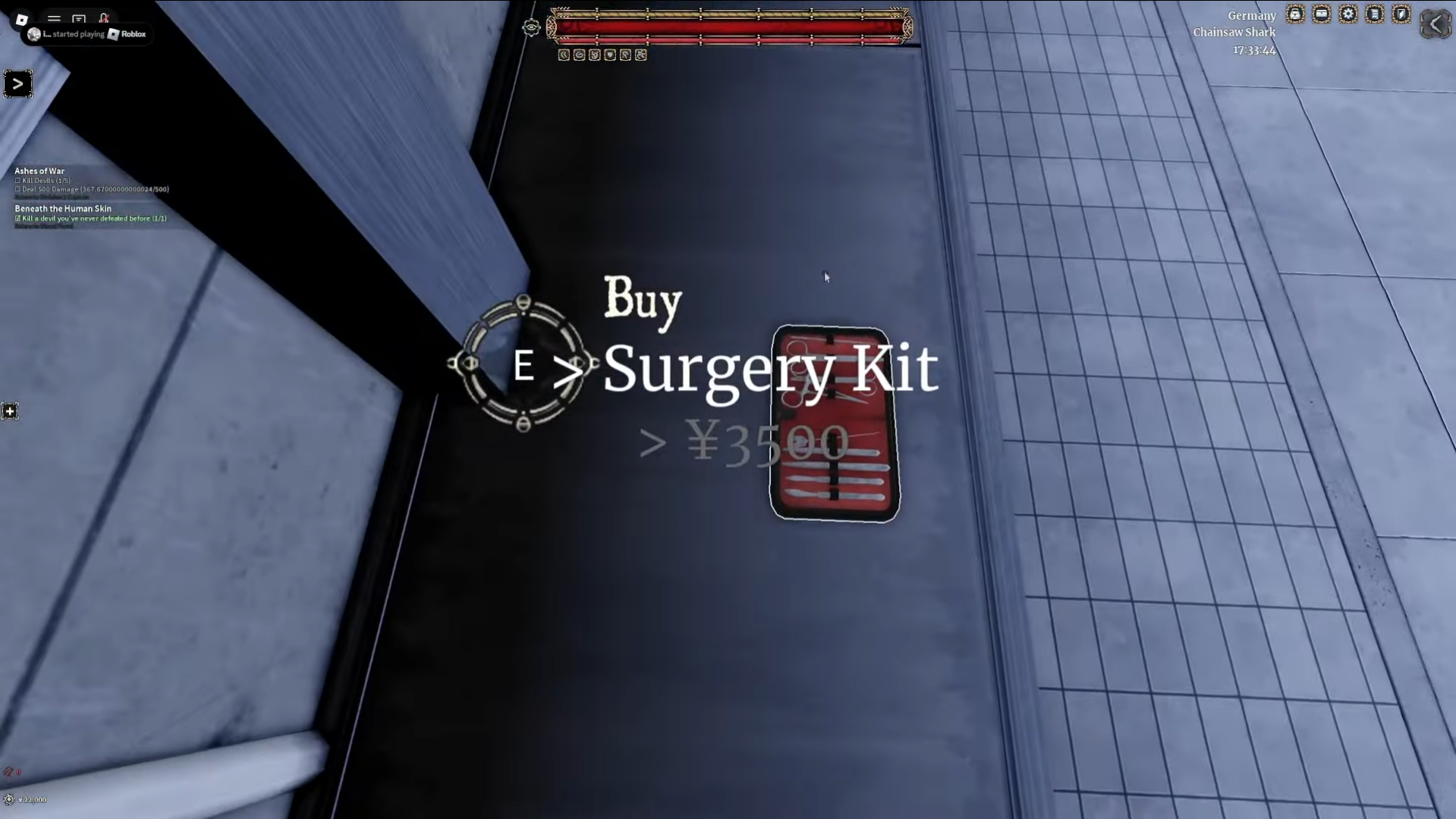
In Devil Hunter on Roblox, the Surgery Kit is a buyable item used for medical-style operations. Depending on the quest you’re doing, it can be used to revive downed players, extract organs, or help with Hybrid-related progression. This guide covers how to get a Surgery Kit, how to use it properly, and why it’s important for progression.
What Is the Surgery Kit in Devil Hunter?
In Devil Hunter, the Surgery Kit is a buyable item used for medical-style actions. It’s mainly used for:
- Reviving knocked or downed players
- Completing quests that involve surgery or organ extraction
- Supporting Hybrid-related progression outside of transformations
Its purpose changes based on the mission or NPC request, so always check your current quest before using it.
How to Get a Surgery Kit in Devil Hunter
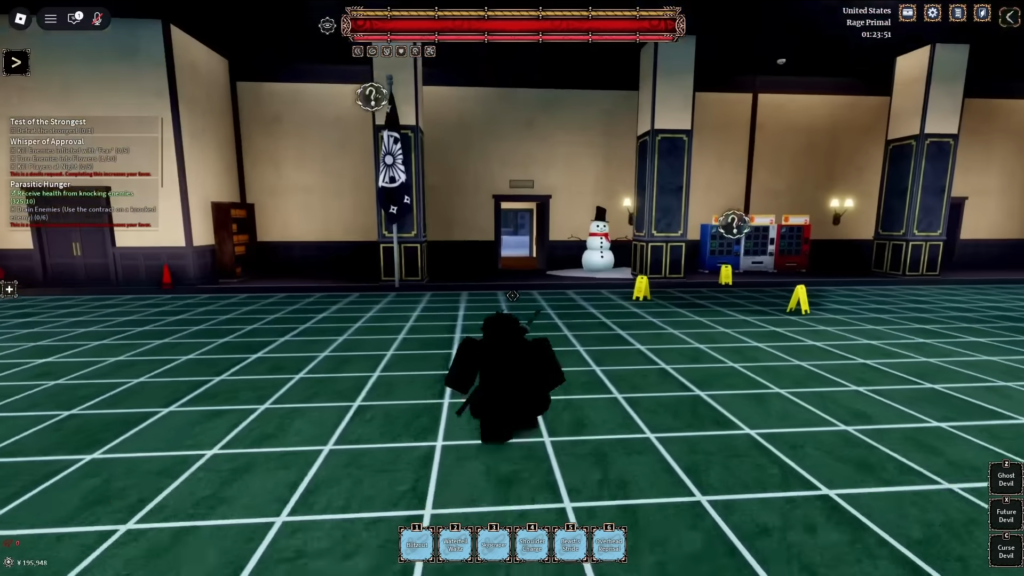
You can buy the Surgery Kit at Division 2, located inside the CCG headquarters. To get it, head to Division 2 within the HQ and check the room on the left side.
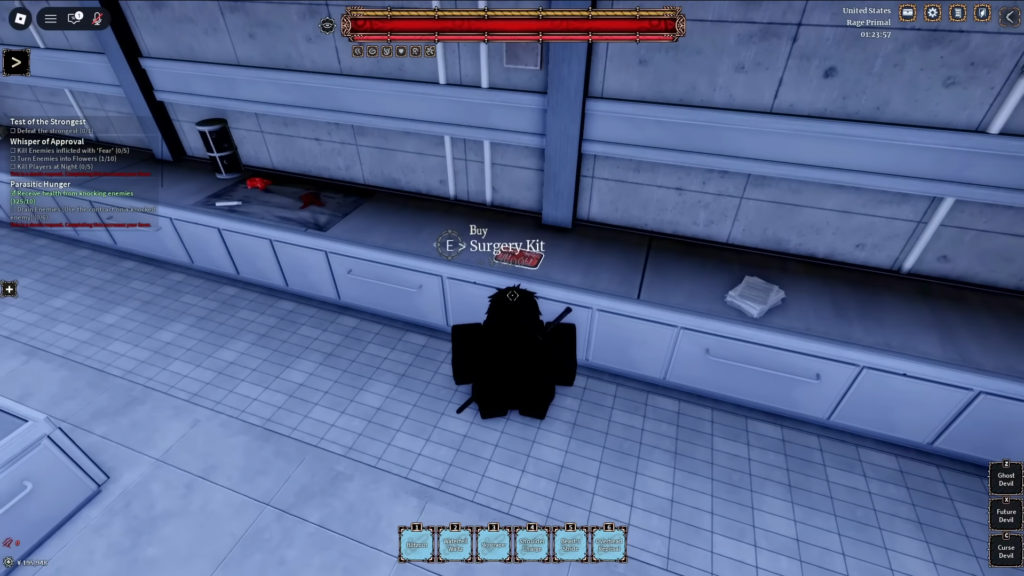
The Surgery Kit costs about 3,500 yen and is added to your inventory instantly after purchase.
How to Use the Surgery Kit
Once you have the Surgery Kit, using it is easy. On PC, equip the Surgery Kit in your hotbar and approach a downed teammate or body. Hold Mouse 1 (left-click) and keep holding until the action completes.
On mobile, equip the Surgery Kit and move close to the teammate, then tap and hold.
Another use of the Surgery Kit is for Hybrid progression—it lets you perform a Devil’s Heart transplant surgery to become a Hybrid, unlocking new transformations and powerful abilities.
That’s everything you need to know about the Surgery Kit in Devil Hunter, from buying it at Division 2 to reviving teammates or performing Hybrid surgeries.
